Milanote Alternatives 2026: Pros, Cons & Pricing
Milanote is a great curation tool — but it can't generate anything. Here are the six best alternatives for 2026, compared honestly on what they do well, where they fall short, and what they cost.
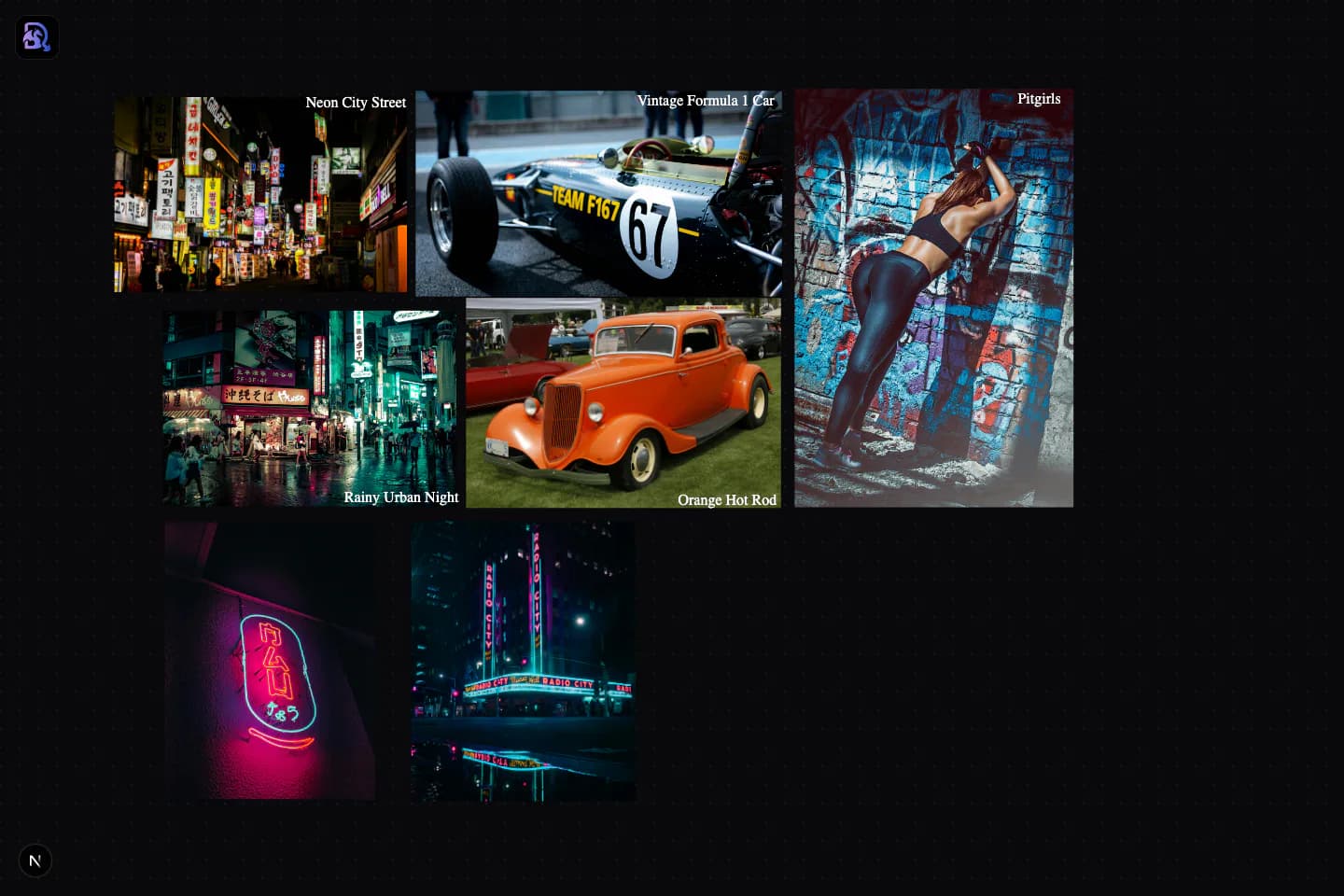
Draggen's canvas: arrange references like in Milanote, then generate matching assets in place.
Does Milanote use AI?
No. As of 2026, Milanote has no built-in AI image generation — it's a curation tool for collecting, arranging, and presenting existing references, and it does that very well. But if your workflow ends in producing assets, you'll need a second tool to generate them, or a canvas like Draggen where generation is built into the board itself.
The 6 Best Milanote Alternatives in 2026
Ranked for designers and visual creators who use Milanote for mood boards — with honest pros, cons, and pricing for each.
DraggenOur Pick
Best Milanote alternative for AI mood boards
- Spatial prompting: your board layout becomes the AI brief
- Generate assets directly from your arrangement — no prompt engineering
- Free tier has unlimited local boards (no 100-item cap)
- Color palette extraction and niche aesthetic styles built in
- Newer product — smaller ecosystem than Milanote
- Focused on mood boards and creative direction, not note-taking
Canva
Best for template-based boards and general design work
- Huge template library, including mood board layouts
- Magic Media adds prompt-based AI image generation
- One subscription covers social graphics, decks, and print
- Fixed-size canvas and grid snapping fight freeform boards
- AI is prompt-only — your arrangement doesn't inform generation
- Easy to end up with boards that look like everyone else's templates
Midjourney
Best for pure AI image generation quality
- Consistently strong image quality and aesthetic range
- Style references let you steer output with images
- Large community sharing prompts and styles
- No canvas at all — it's a generator, not a mood board tool
- You still need Milanote (or similar) to arrange the output
- Prompt-driven workflow has a real learning curve
Miro
Best for teams who whiteboard everything together
- Excellent real-time collaboration
- Infinite canvas with a huge template ecosystem
- Already deployed in many agencies and enterprises
- A generic whiteboard, not a mood board tool
- No AI image generation for creative direction
- Heavy interface for a simple reference board
Adobe Express
Best if you already pay for Creative Cloud
- Firefly AI generation included
- Direct access to Adobe Fonts and Stock
- Familiar if you live in Adobe tools
- Built for social graphics — mood boards are retrofitted
- Template-first flow doesn't suit freeform curation
- Poor value if you're not already on Creative Cloud
Best for discovering inspiration (not making boards)
- The largest pool of visual inspiration anywhere
- Great recommendation engine for finding an aesthetic
- Completely free
- Boards are grids of links — no freeform canvas
- Nothing can be generated, exported, or produced from a board
- Watermarks, ads, and dead links in serious client work
Draggen vs Milanote: Feature Comparison
Why Designers Switch from Milanote to Draggen
Milanote built something great. But creative workflows have evolved — and the gap between collecting inspiration and producing assets has never been more frustrating.
Your layout is your prompt
Milanote lets you arrange images beautifully — but that's where it stops. In Draggen, the spatial relationship between your reference images becomes the creative direction for AI generation. No prompt engineering. No guessing.
From mood to material in one canvas
With Milanote you curate, then switch to Midjourney or another tool to generate. Draggen collapses that workflow. Arrange your references, hit generate, get assets — all without leaving the canvas.
Generate, not just collect
Milanote is a beautiful curation and note-taking tool. Draggen is a generation tool. If your job is to create assets — not just collect them — that difference matters every single day.
Built for visual creators, not project managers
Milanote started as a project planning tool. Draggen was built from the ground up for designers, illustrators, and visual creators who need to go from inspiration to production-ready assets.
Milanote Alternatives: FAQ
Does Milanote use AI?+
No — as of 2026, Milanote has no built-in AI image generation. It's a curation and organization tool: you collect and arrange existing images, but the board can't create new ones. If you want AI generation on the mood board canvas itself, you need a tool like Draggen (layout-aware generation) or Canva (prompt-based Magic Media).
What is the best Milanote alternative for AI mood boards?+
Draggen is the closest like-for-like switch: the same freeform drag-and-drop canvas, plus AI generation that uses your arrangement as the brief. If you mainly need templates and general design, Canva is the better fit; if you only need raw image generation and don't care about a canvas, Midjourney paired with any curation tool works too.
Is there a free Milanote alternative without the 100-item limit?+
Yes. Draggen's free tier has unlimited boards stored in your browser plus one-time starter AI usage. Canva and Adobe Express both have generous free tiers, and Pinterest is entirely free — though it's a discovery feed rather than a real board tool.
Can I generate images from a Milanote board?+
Not directly. The usual workaround is exporting your Milanote board, writing a text prompt that describes it, and running that through Midjourney or DALL·E — then importing the results back. Draggen removes those steps: the board itself is the prompt, and generated assets land on the same canvas.
Is Milanote still worth using in 2026?+
For visual project planning, team collaboration, and presenting curated references to clients — yes, it's still one of the best. The case for switching is specific: if your workflow ends in producing assets rather than presenting references, Milanote stops one step short, and that step is where tools like Draggen start.
Ready to generate, not just collect?
Start your first Draggen board in seconds. No credit card, no setup — just a canvas that generates with you.
Try Draggen Free