

Software Optimism: A Blast from the Past, Looking to the Future
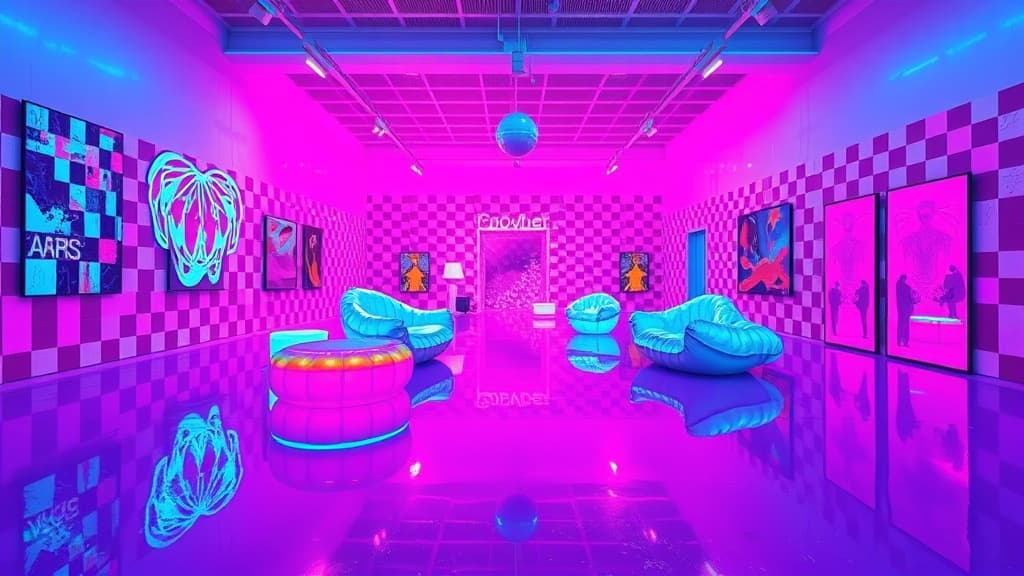
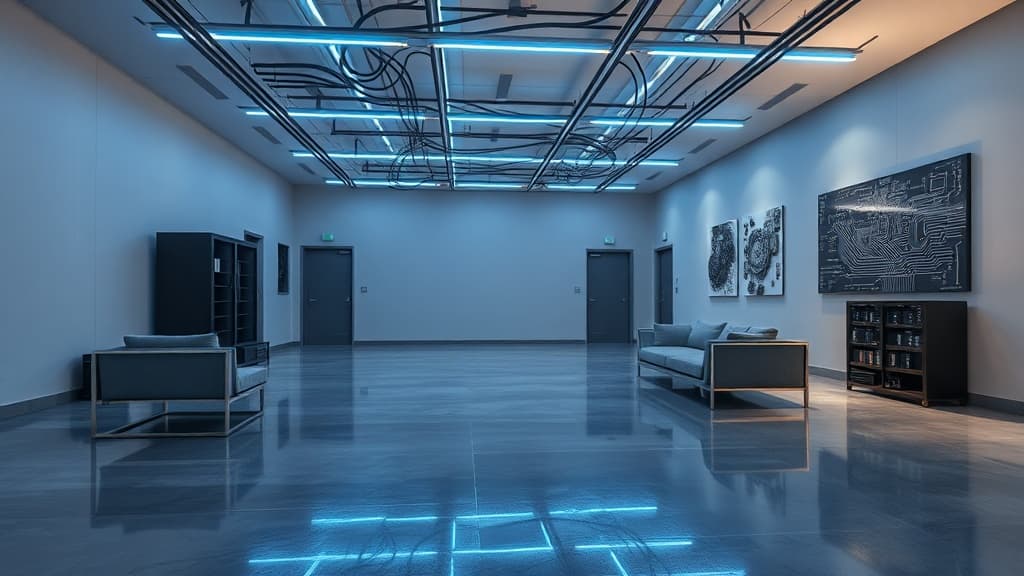
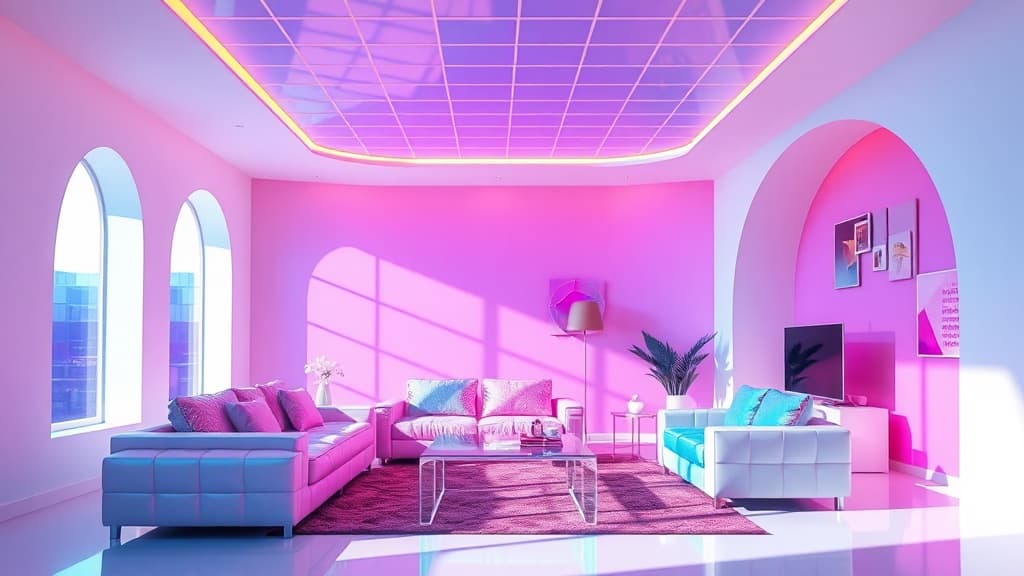
Software Optimism draws inspiration from the vibrant colors, pixelated graphics, and simple forms of early software interfaces and operating systems. It's a design trend that celebrates the promise and excitement surrounding technology's early days, while maintaining a forward-looking perspective.
Key Characteristics:
- Bold, Saturated Colors: Using a palette of bright primary and secondary colors, reminiscent of early computer displays.
- Pixelated Graphics: Incorporating pixel art, blocky fonts, and 8-bit-inspired patterns.
- Geometric Shapes: Emphasizing simple geometric forms like squares, circles, and triangles.
- Flat Design: Avoiding gradients, shadows, and other effects that add depth, in favor of a clean, minimalist aesthetic.
- Nostalgic Icons: Using icons and symbols that evoke early software applications and operating systems.
- Lighthearted Typography: Choosing playful, sans-serif fonts that are easy to read and reminiscent of early computer typography.
- Tech-Inspired Materials: Incorporating materials like transparent plastics, brushed aluminum, and neon lighting.
How to Achieve the Look:
- Start with a Bold Color Palette: Choose a few bright primary and secondary colors to serve as the foundation of the design.
- Incorporate Pixelated Graphics: Use pixel art, blocky fonts, and 8-bit-inspired patterns in wall art, textiles, and accessories.
- Emphasize Geometric Shapes: Choose furniture and decor with simple geometric forms.
- Embrace Flat Design: Avoid using gradients, shadows, and other effects that add depth.
- Add Nostalgic Icons: Display icons and symbols that evoke early software applications and operating systems.
- Choose Lighthearted Typography: Use playful, sans-serif fonts for signage, posters, and other graphic elements.
- Incorporate Tech-Inspired Materials: Use transparent plastics, brushed aluminum, and neon lighting to create a futuristic feel.